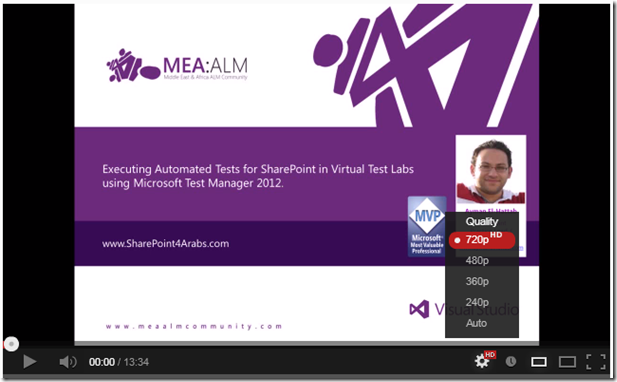
In today’s video, I’ll show you how to execute the Automated Test from Microsoft Test Manager 2012 in the same way we executed a Manual Test. You can watch the video here.
When you run automated tests in Microsoft Test Manager, you must run them in a lab environment. To run automated tests in a lab environment, you must associate your automated tests with test cases, and then add the test cases to a test suite in a test plan.
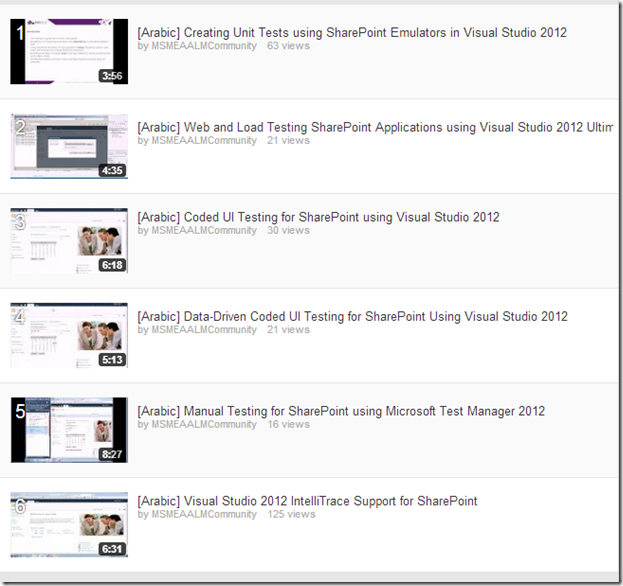
Here are the steps performed in the video:
Create a Virtual Test Lab for SharePoint using Microsoft Test Manager & Visual Studio 2012 Lab Management
Build & Install the SharePoint application in the Testing Environment.
Create new “Test Settings” (Data Collection & Diagnostic Data Adapters)
Create a new Test Plan
Configure the Test Plan (Test Settings & Test Environment)
Add the Automated Test to the Test Plan.
Create a Build Definition & Queue a new build.
Assign the build to the Test Plan
Run the automated Test Case from Microsoft Test Manager
View & Analyze Results.
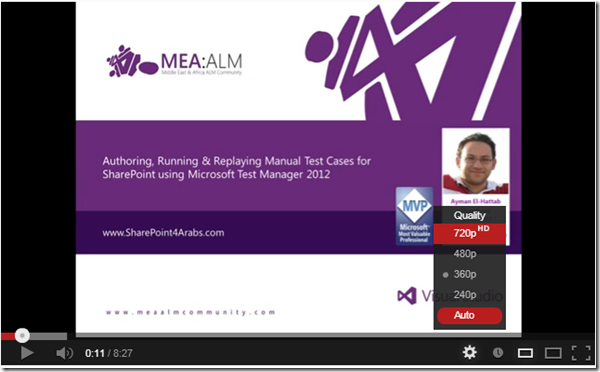
Please note that you might need to change the quality to 720 p (HD) as shown below for the best viewing experience.
This video is part of the SharePoint Testing & Troubleshooting Arabic Video Series.
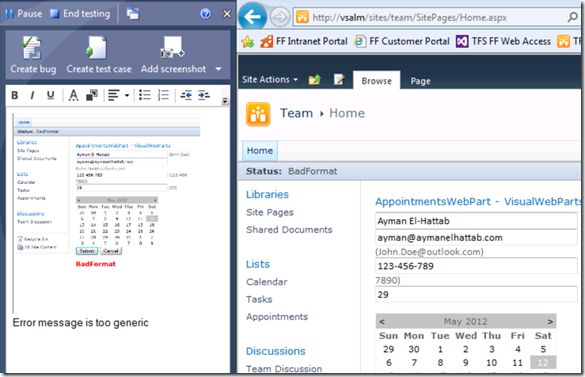
In today’s video, you will learn how to do Exploratory Testing for your SharePoint solutions using Microsoft Test Manager 2012. You will learn about how exploratory testing (also called XT, or agile testing) has become a first-class experience in the toolset. This allows a tester to more flexibly test the underlying SharePoint Application without relying solely on formal test cases. Meanwhile, Microsoft Test Manager will continue to capture rich diagnostics about the application being tested which can be delivered to the development team if a bug is discovered. You can watch the video from here.
Note: You might need to change the quality to 720 p (HD) as shown above for the best viewing experience.
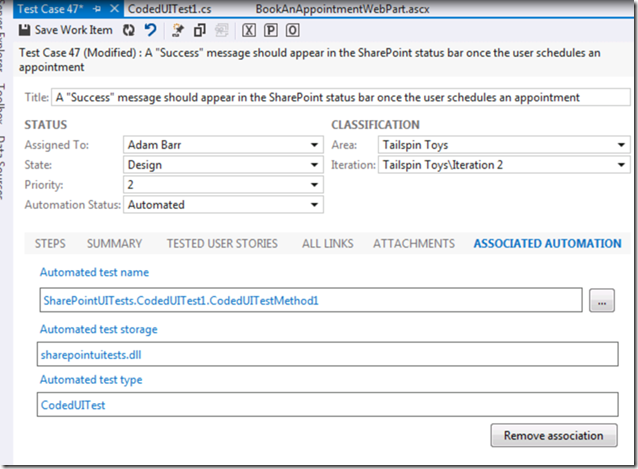
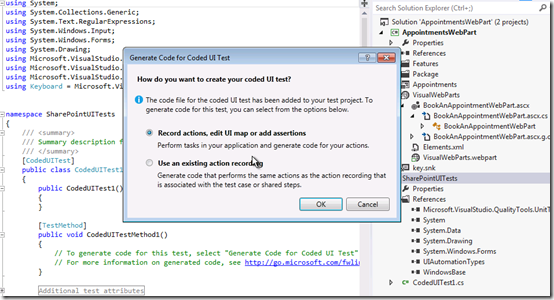
In the previous video (Manual Testing for SharePoint using Microsoft Test Manager 2012), I’ve showed you how you can author, run and replay manual tests for SharePoint using Microsoft Test Manager 2012. In today’s video, I’ll take this manual test a step further by converting it into a fully automated test using Coded UI Tests in Visual Studio 2012. You can watch the video here.
If you have been following my blog in December 2012, you have most probably felt my tendency to focus on SharePoint Testing & Troubleshooting. That’s true, it’s a green field that nobody is tackling nowadays and I believe it’s very important for enhancing the overall SharePoint Application lifecycle & delivery.
The new features and enhancements in Visual Studio 2012 Update 1 are really cool; now we can say that we have a complete ALM story for building SharePoint Solutions.
I just wanted to take a moment to let you know about my upcoming activities during the first Quarter of 2013.
January 2013
– Arabic Video : Converting SharePoint Manual Tests to Automated ones using Visual Studio 2012.
– Arabic Video : Exploratory Testing for SharePoint using Microsoft Test Manager 2012.
– Arabic Video : Executing SharePoint Automated Tests in Virtual Lab Environments using Microsoft Test Manager 2012.
February 2013
– English Video : Coded UI Testing for SharePoint using Visual Studio 2012.
– English Video : Data-Driven Coded UI Testing for SharePoint Using Visual Studio 2012.
– English Video : Manual Testing for SharePoint using Microsoft Test Manager 2012. – English Video : Converting SharePoint Manual Tests to Automated ones using Visual Studio 2012.
March 2013
– English Video : Executing SharePoint Automated Tests in Virtual Lab Environments using Microsoft Test Manager 2012.
– English Video : Exploratory Testing for SharePoint using Visual Studio 2012
– English Video : Visual Studio 2012 IntelliTrace Support for SharePoint
In the previous two videos, I’ve showed you how to do Test Automation for SharePoint using Coded UI Tests in Visual Studio 2012 Premium or Ultimate. I’ve also showed you how to run your coded UI test multiple times with different sets of data to test different conditions “Data-driven Coded UI Tests”.
Today, I’ll tackle another area which is Manual testing. In today’s video, you will learn how to use Microsoft Test Manager 2012 to author a manual test case for your SharePoint Application and take advantage of test parameters. I will then run this test case using the Microsoft Test Runner against my SharePoint Application. While running this test case I will capture an action recording which can be used to take advantage of Fast Forward for Manual Testing, to quickly re-run test steps or even entire test cases in the future “Fast Forward for Manual Tests”. You can watch the video here.
Please note that you might need to change the quality to 720p (HD) as shown below for the best experience :
In the previous post, I showed you through a video how to create Coded UI Tests for SharePoint using Visual Studio 2012 with specified data. But what if you want to run your coded UI test multiple times with different sets of data to test different conditions?
To do this you can add parameter values from a data source to create a data-driven coded UI test. Each row in the data source is an iteration of the coded UI test. The overall result of the test will be based on the outcome for all the iterations. For example, if one test iteration fails, the overall test result is failure.
I have created another video (in Arabic) to show you the whole process of creating Data-Driven Coded UI Tests for SharePoint. you can watch the video here (http://youtu.be/wG7o0SaGndg ).
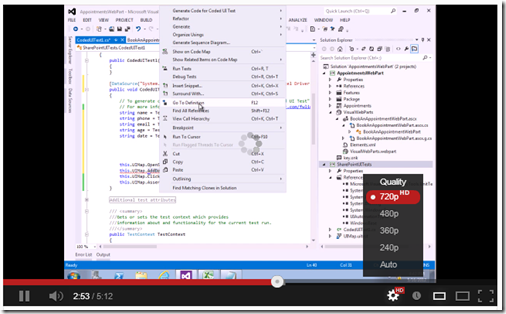
Please note that you might need to change the quality to 720 px (HD) as shown below for the best experience :
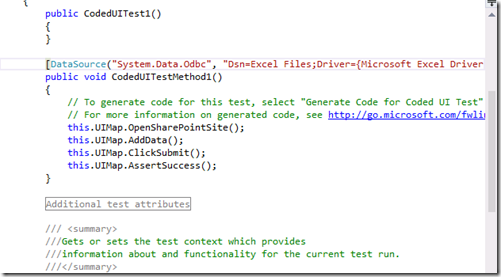
You can use Visual Studio 2012 to create automated tests of the user interface (UI) known as coded UI tests. These tests provide functional testing of the user interface and validation of user interface controls. Automated UI tests enable you to test that the user interface is functioning correctly after code changes. They are quicker to run than manual tests. Therefore, you can run them more frequently.
Visual Studio 2010 partially supported Coded UI Testing for SharePoint while Visual Studio 2012 was pretty close to fully supporting this but there were a few SharePoint specific issues that the product team wasn’t able to address that made CodedUI (functional testing) not work well for SharePoint. In Visual Studio 2012 Update 1, those issues were addressed and now Coded UI Testing is fully supported for SharePoint 2010.
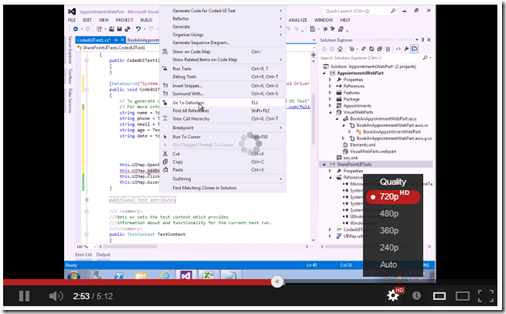
I’ve recorded a quick video (in Arabic) to help you quickly get started with Coded UI Testing for SharePoint, you can watch the video here
Please note that you might need to change the quality to 720 px (HD) as shown below for the best experience :
I was super excited on Sep 12th when I first read Brian Harry’s announcement about the enhancements done in the Web & Load Testing tools in Visual Studio 2012 Update 1 to completely support SharePoint. Here us a snapshot from the first announcement :
Yesterday, I was trying the tools for the first time & created a video in Arabic to show the new features and tool enhancements, you can watch the video here http://youtu.be/VVhRTikOnI4
After I published the “SharePoint & IntelliTrace” video the other day, I received many requests for another video about the “SharePoint Emulators”. I fired up Camtasia and recorded a quick video to get you guys introduced to this new feature. You can watch the video here.
See Also:
– ShimNotSupportedException when trying Visual Studio 2012 SharePoint Emulators
– [Arabic Video] Visual Studio 2012 IntelliTrace Support for SharePoint
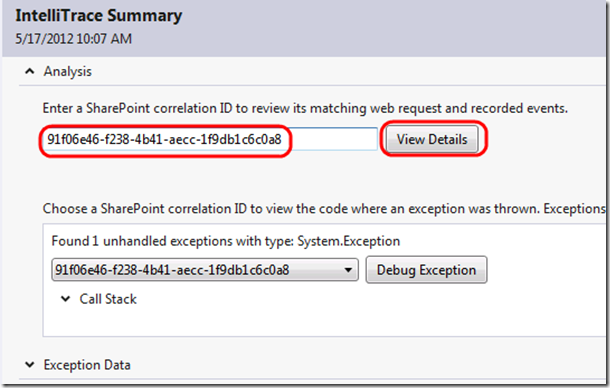
With IntelliTrace in Visual Studio Ultimate 2012 Update 1, SharePoint developers now have a way for directly using Correlation IDs to diagnose production issues originating from SharePoint custom code as well as debugging & fixing it.
Traditional debuggers give SharePoint developers only a snapshot of the state of their applications at the current moment. However, IntelliTrace can be used by SharePoint Developers to review, and even navigate to, past events that occurred in their applications and the context in which the events occurred. This is also known as “Historical Debugging”
I’ve created a quick video in Arabic to walk you through a real-life scenario in which IntelliTrace was used to quickly diagnose and fix a production issue. You can watch the video here ..
For the English version of the video, you can watch the one available on Channel 9.
Quick-Hit Technology Thoughts from a Territory Manager @ Nintex, Microsoft Regional Director and 6x Microsoft MVP





 Ayman El-Hattab's Technology Blog