Category Archives: ALM

ShimNotSupportedException when trying Visual Studio 2012 SharePoint Emulators

Yesterday, I downloaded Brian Keller’s Updated Virtual Machine for Visual Studio 2012 Update 1 to start playing with the new features for SharePoint Development, Testing & Production debugging. The new stuff is really cool; now Microsoft Visual Studio Team can claim that they have a complete ALM story for building SharePoint Solutions.

One of the new features is “SharePoint Emulators” which is intended to solve the nightmares of SharePoint Unit Testing by providing a system of Fakes based shims implementing the basic behaviors of the SharePoint 2010 server object model.

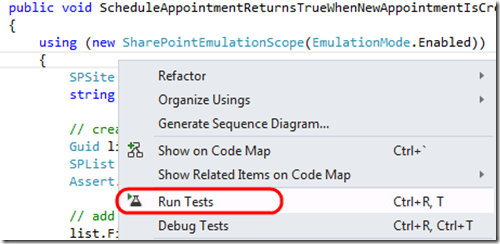
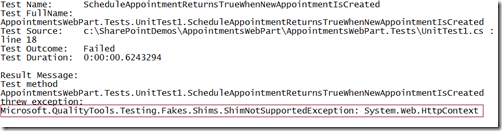
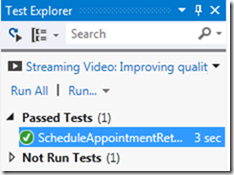
I fired up Visual Studio 2012 and created a couple of Unit Tests that use the SharePoint Emulators but I kept on receiving the “ShimNotSupportedException” Exception when trying to run it from Visual Studio Test Explorer.

7 8 9


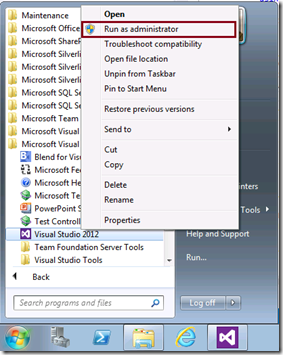
The solution is simple, just run Visual Studio 2012 “As an Administrator” Smile and this by the way applies to any Unit Tests using Microsoft Fakes Framework and not only SharePoint.
10 11

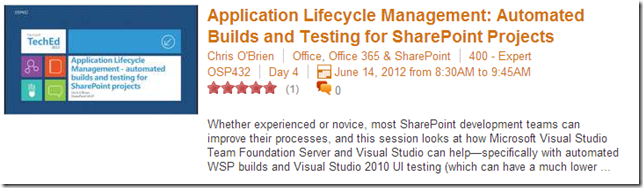
SharePoint Application Lifecycle Management: Automated Builds and Testing for SharePoint projects

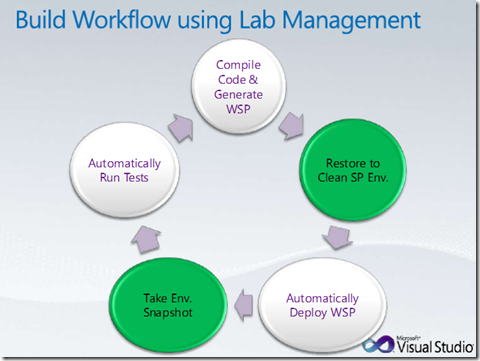
Whether experienced or novice, most SharePoint development teams can improve their processes with the help of Team Foundation Server and Visual Studio  – specifically with automated WSP builds and VS2010 Coded UI testing (which can have a much lower barrier to entry than unit testing). When a few of these capabilities are strung together, the results are incredible for dev teams. In TechEd 2012, Jay Schmelzer delivered a very good session covering the following:

  • Automating the build,
  • deploying the resulting WSPs to a remote SharePoint environment
  • automatically running UI tests against the site.

You can download the session from here ..

Visual Studio 2012 Storyboarding Vs. Sketchflow

This is a question that I have been receiving in almost each Visual Studio 2012 event or session; “What is Visual Studio 2012 Storyboarding and how does it differ from Sketchflow?”

To answer this question, let me give you the historical background of Microsoft prototyping tools and the motivation behind the new one.

A few years ago, Microsoft Visio was our only choice for UI prototyping, however the outcomes of Visio for UI prototyping was very basic. More recently, Microsoft released Sketchflow which provides a quick way to prototype user interface scenarios. It has a far richer set of user controls for designing User Interfaces. The prototypes can also be designed using Silverlight or WPF, so that the final outcomes can then be directly used within actual WPF or Silverlight projects. Of course, this was perfectly OK for technical people but wasn’t the best choice for business users or people with limited technical skills (Business Analysts, Quality Teams, etc…).

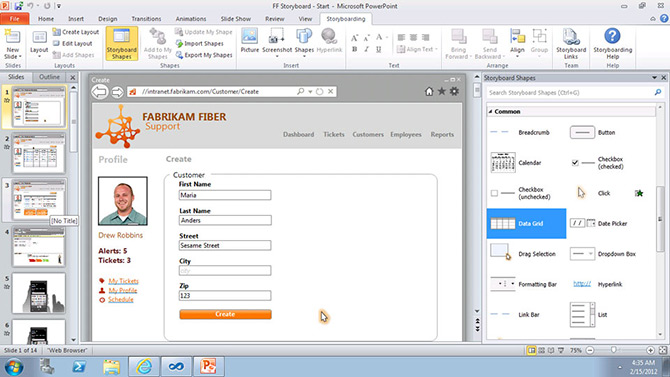
Microsoft heard the feedback of its customers loud and clear and it accordingly shipped a great and simple PowerPoint add-in with Visual Studio 2012 for prototyping. PowerPoint is familiar to almost every user who frequently uses Microsoft Office. Unlike working with Sketchflow, which requires a separate application, every user’s machine will have Microsoft Office installed on their system thus making sharing these UI prototypes an easy task.

1


To watch Visual Studio Storyboarding capabilities in action, please check this Video:


In summary,

SketchFlow is for building working prototypes of software for developers, while the new storyboarding capabilities allow business analysts or non-technical people to capture lightweight requirements from different stakeholders.


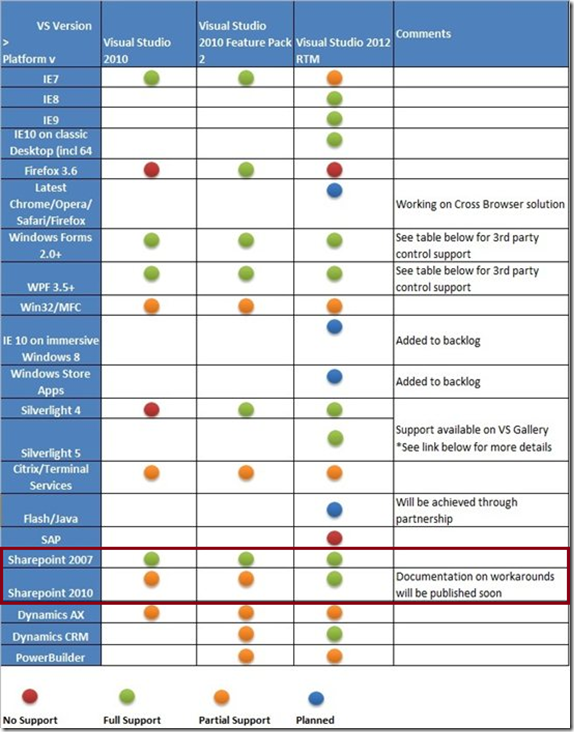
Coded UI Tests and Action Recordings Support for SharePoint 2007 & 2010

7

Source: http://msdn.microsoft.com/en-us/library/vstudio/dd380742.aspx

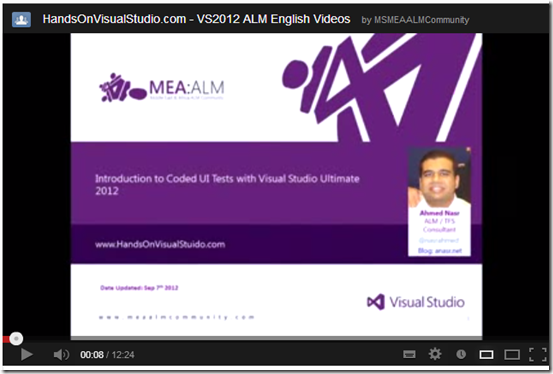
For more info about Coded UI Testing in general, you can watch the following videos, the first one is in English and the second is in Arabic :
8
It’s worth mentioning that both videos were created for MEA ALM Community YouTube Channel .. Stay tuned for another video about SharePoint Coded UI Testing very soon..

Announcing HandsOnVisualStudio.com

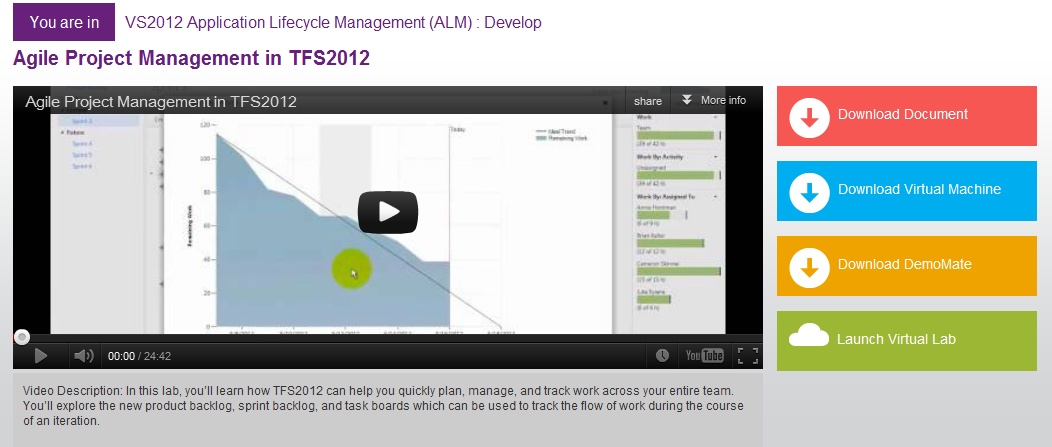
While the world was enjoying the virtual launch of Visual Studio 2012, MEA ALM Community Team was celebrating it in a different but a cool way. We are very glad to announce that HandsOnVisualStudio.com is now up and running. This website is intended to help you learn, experience and practice Visual Studio 2012 through HOLs, videos, demo mates, Virtual Labs and more.

14


Oh, and the SharePoint labs are coming very soon Smile

“The Visual Guide for Building Team Foundation Server 2012 Environments” is now available!

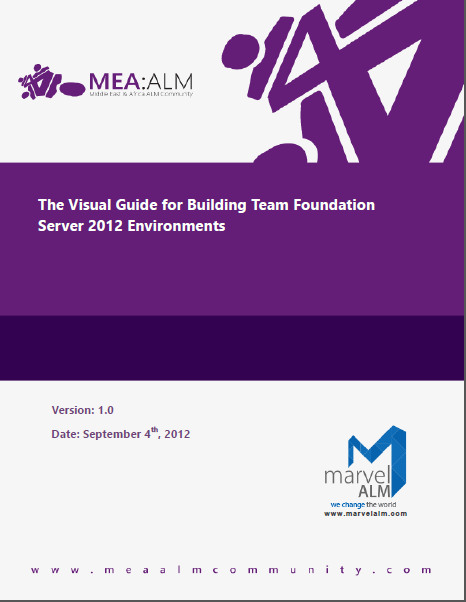
This is just a quick note to let you know that MEA ALM Community Team has just published The Visual Guide for Building Team Foundation Server 2012 Environments.

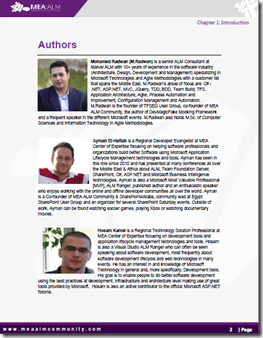
The Visual Guide for Building Team Foundation Server 2012 Environments is not only intended to walk you through the installation and the configuration process of Team Foundation Server 2012 but it is also written and designed to reflect real-world experience of the installation and configuration processes via detailed steps, well-defined  screenshots and videos; and hence the name “Visual Guide”.

15 16


Download the Guide

Final release is available now! Start using the guide today, while we continue to further improve it.

Watch the Videos

This Guide comes with 38 videos that explain all scenarios in a step-by-step manner.

Parts

Part 1- Introduction & Overview

Part 2 – Creating & Preparing the Required Infrastructure

Part 3- Installing and Configuring Team Foundation Server Pre-requisites

Part 4- Installing and Configuring Team Foundation Server

Appendices

Chapters
Part 1- Introduction & Overview
  • Chapter 1: Introduction
  • Chapter 2: Architecture & System Requirements
Part 2 – Creating & Preparing the Required Infrastructure
  • Chapter 3: Creating & Preparing the Domain Controller
  • Chapter 4: Creating & Preparing the TFS Infrastructure Physical Machine (Hyper-V Host)
  • Chapter 5: Creating & Preparing the Team Foundation Server Virtual Machine
Part 3- Installing and Configuring Team Foundation Server Pre-requisites
  • Chapter 6: Installing & Configuring SQL Server 2012
  • Chapter 7: Installing & Configuring SharePoint Server 2010
  • Chapter 8: Configuring SharePoint Server 2010 for Dashboard Compatibility
Part Part 4- Installing and Configuring Team Foundation Server
  • Chapter 9: Installing & Configuring Team Foundation Server 2012
  • Chapter 10: Configuring the Team Build Service
  • Chapter 11: Configuring the Enterprise Application Definition
Appendices
  • A. Creating Local Service Accounts and Groups for Windows Server 2012
  • B. Installing Hyper-V Role on Windows Server 2008 R2
  • C. Adding .NET 3.5 Framework feature for Windows Server 2008 R2
  • D. Configuring SQL Server 2012 Analysis Services Port
  • E. Configuring SQL Server 2012 Database Engine Port
  • F. SQL Server 2012 Installation Verification
  • G. SharePoint Server 2010 SP1 Installation Verification
  • H. Team Foundation Server 2012 Installation & Configuration Verification

Videos

SharePoint Development Best Practices @ MEA ALM Community

If you are following me on Twitter, you have most probably seen my tweets yesterday about the official launch of MEA ALM Community (Middle East & Africa Application Lifecycle Management Community). Beside being a co-founder and community lead, I’ll be assuming the role of “SharePoint Practice Lead” and will be focusing on SharePoint as a development platform as well as the best practices for building SharePoint solutions using Microsoft Visual Studio ALM tools.

I’m shooting for December 2012 to create a series of videos in Arabic & English to explain how to use Visual Studio 2012 Testing tools for SharePoint.

13


14


Join us on Facebook : www.facebook.com/meaalmcommunity

Follow us on Twitter : www.twitter.com/meaalmcommunity

Watch our videos on YouTube: www.youtube.com/msmeaalmcommunity

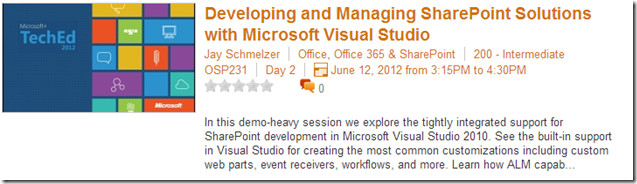
SharePoint Development Videos from TechEd North America 2012

TechEd is Microsoft’s premier technology conference for IT professionals and developers, offering the most comprehensive technical education across Microsoft’s current and soon-to-be- released suite of products, solutions, tools, and services.

TechEd North America 2012 particularly was very special to me because it featured many sessions about SharePoint Development & Testing. I’ve compiled below a list of the must-watch videos for SharePoint Developers, Testers & Architects :

19


Download http://video.ch9.ms/teched/2012/na/OSP231.wmv

20


Download http://video.ch9.ms/teched/2012/na/OSP337.wmv

1

Download http://video.ch9.ms/teched/2012/na/OSP302.wmv

4

Download http://video.ch9.ms/teched/2012/na/OSP433.wmv

5

Download http://video.ch9.ms/teched/2012/na/OSP432.wmv

6

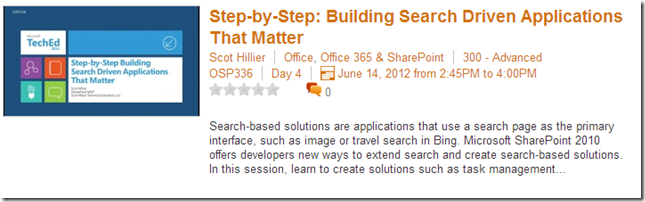
Download http://video.ch9.ms/teched/2012/na/OSP336.wmv


[Updated] – ”SharePoint Testing & Troubleshooting using Visual Studio 2012” – An Arabic Video Series

Happy new year! I wish you a fantastic 2013… May all your wishes come true; health, happiness, peace, fulfillment, prosperity …. all beautiful things to you, your families and loved ones, your countries, your people.

As the ‘SharePoint Practice Lead’ for MEA ALM Community and as promised during the official community launch, I’ve created a video series in Arabic to explain & demonstrate SharePoint Testing & Troubleshooting using Visual Studio 2012 & Microsoft Test Manager 2012. I’ve included all the videos in a YouTube playlist, you can access the list from here.

Here are also links to the videos that I created so far.

11


Watch the video here

22

Watch the video here

33

Watch the video here

44

Watch the video here

55

Watch the video here

66

Watch the video here

77


Watch the video here

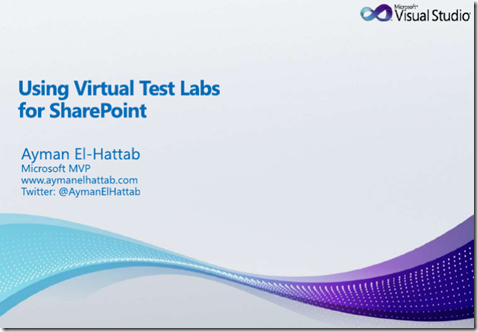
Using Virtual Test Labs for SharePoint–From Visual Studio & SharePoint: Better Together Event in Microsoft Dubai

5


6


ou can access the full slide-deck from here http://www.slideshare.net/aymanelhattab/using-virtual-test-labs-for-sharepoint

You may also want to check my SlideShare profile which have 20+ Presentations uploadedhttp://www.slideshare.net/aymanelhattab/